Realistic Fake Tattoo Prank AI Filter
Text Mom the photo—“I got a full sleeve.”
Upload a casual photo with bare arms or shoulders and add an ultra-convincing fresh fine-line tattoo sleeve—complete with natural skin texture and original room lighting.
Model
Your photo
One clear photo. JPG, PNG or WebP, up to 10MB.
≈ 12 credits · $0.12
Result
Example output · 1 photo in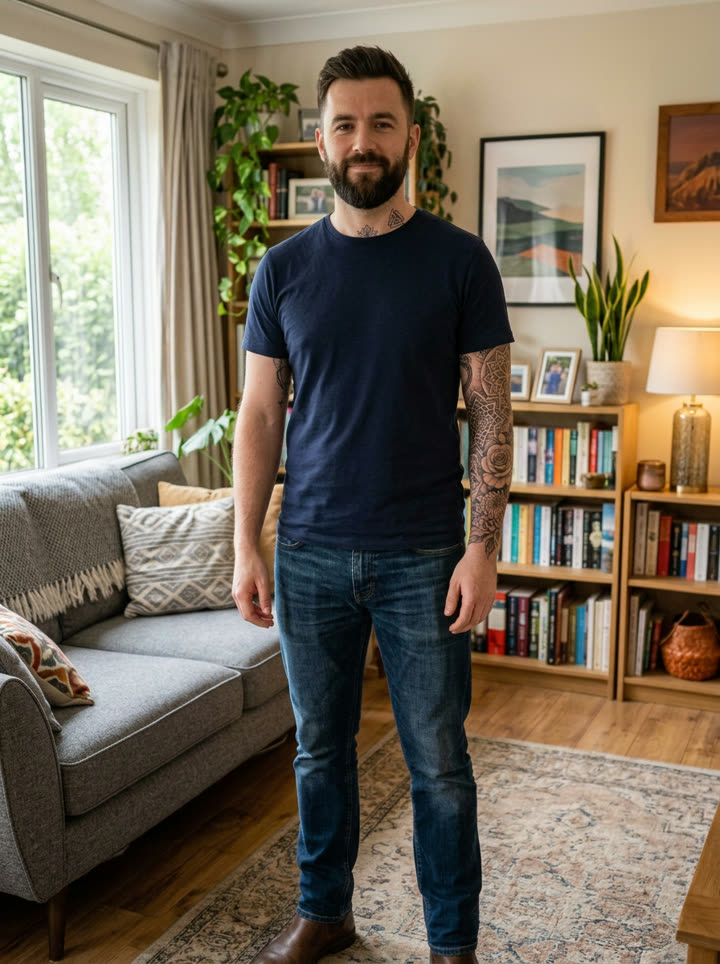
Example output & photo tips
See what one photo turns into.
Clear subject framing
Use a sharp JPG, PNG, or WebP photo where the subject faces the camera without heavy filters or text overlays.
Even, natural lighting
Balanced light helps the model preserve facial identity, fur texture, and outfit details across every frame.
Upfront price & refund guarantee
Exact credit cost shows before you generate. Downloads have no watermark, and failed runs refund automatically.
What is the viral Fake Tattoo Prank AI trend?
Why do generic AI edits fail the "Mom text prank" test? Because they blur your bedroom background! Our Fake Tattoo Prank preset keeps your original pose, camera grain, and lighting untouched while wrapping realistic fresh ink and subtle skin redness onto visible skin.
Good questions.
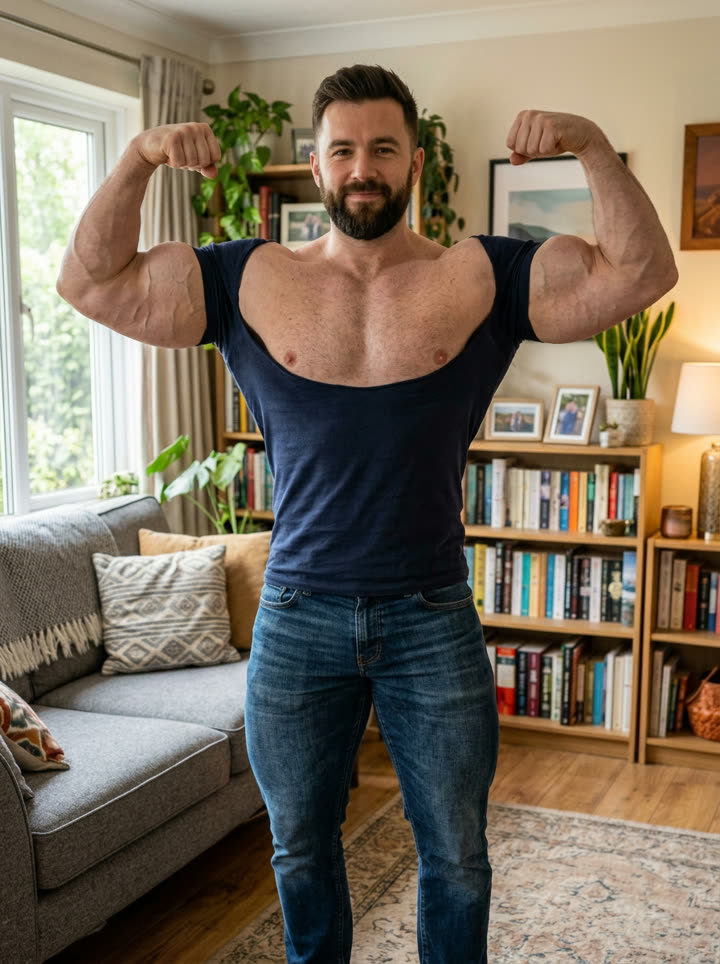
How it works
How to Make Fake Tattoo Prank AI Online
- 1
Pick one clear photo
Drop a well-lit JPG or PNG into the Fake Tattoo Prank AI studio above—preview your photo locally right away with zero editing setup.
- 2
Check upfront price & run
Fake Tattoo Prank AI comes pre-tuned with optimal framing and motion prompts. Exact credit cost shows upfront before you generate.
- 3
Download watermark-free
Download your clean HD output without watermarks, pair it with trending audio on TikTok, Reels, or Shorts, and post.
Tools
More ways to create.
Daily Data
Explore Daily Viral AI Video Trends
See which single-photo dance and restyle formats are accelerating right now across short-form video.
Tutorials
Creator Guides & Tutorials
Photo framing checklists, prompt structures, and model comparisons from the Angry Dance team.
Free Credits
Invite Friends & Earn Free Credits
Share tutorials or clips with your ?ref= link to earn +60 credits per new sign-up.
Try Fake Tattoo Prank AI from one photo.
Skip long prompts and region-locked templates—upload one photo and download without a watermark.